SAP Integration Services
SAP data flowing into every system the business runs on
ZingZee's SAP integration services connect an SAP estate to the shops, warehouses, web stores, and reporting tools around it, so stock, orders, and finance move on one set of figures. Engineers in Limassol build each integration on a live, read-only mirror of SAP and deliver it through the five-phase framework.
- Cyprus, engineers across the globe
- Five-phase delivery
- Typed, tested, handed over
What SAP integration is
SAP integration is the work of connecting an SAP system to the applications a business runs beside it: the tills, the web shop, the warehouse scanners, the marketplace feeds, the accounting exports, and the dashboards the owners read.
SAP holds the stock, the orders, and the ledger, and every other system needs some of that data at a freshness the standard reports do not offer. ZingZee's SAP integration services build a live mirror of the tables that matter, on a server the client controls, and connect the surrounding applications to that mirror through typed, logged services. Writes back to SAP go through its own interfaces under an approval step. SAP stays the system of record, the surrounding systems read data that is seconds old, and a fault in any of them cannot reach the accounting system.
Use cases
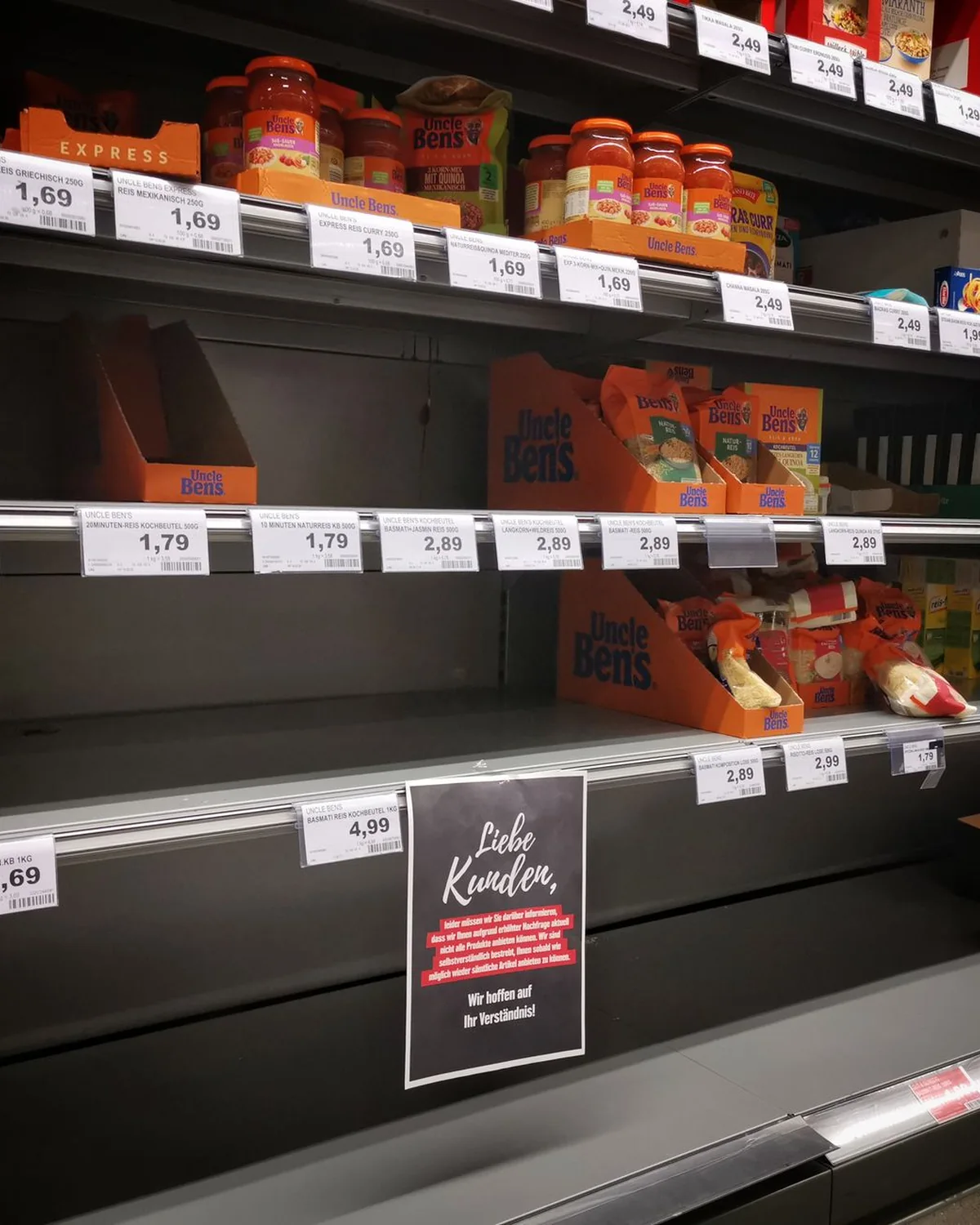
Make stock visible across every shop and the warehouse
A retailer with two shops and one warehouse carrying 95,000 items ran stock checks by hand and item-by-item scanning. On a live mirror of SAP, ZingZee built a replenishment tool and a trading dashboard, and stock-outs fell from 8% to under 1% within months of go-live.

Stop the web store overselling
A web store that reads an overnight export sells stock that was gone by lunchtime. A connector on the SAP mirror publishes sellable availability every few minutes and takes reservations at checkout, so the shop sells what the warehouse holds.

Give the owners the day's trading as it happens
The board reads a trading summary a week late because the report is built by hand from exports. A dashboard on the mirror shows sales, margin, and stock cover as the tills post, and a scheduled PDF lands in the inbox each morning.
Restock each shop from one scan
Replenishment from a printout leaves the shelf empty for a day and the stockroom full of the wrong lines. A scanner tool on the mirror proposes the transfer per item from live sales and stock, and posts the movement to SAP once a manager approves it.

Answer any question about the numbers the same day
A question that needs a new SAP report waits for a consultant and a fee. An assistant over the mirror answers in plain language, builds the table or the PDF on request, and cites the SAP tables it read, so the finance team checks the source in seconds.
SAP data flowing into every system the business runs on
Industries where ZingZee applies SAP integration
ZingZee has applied SAP integration for retail, where a chain in Cyprus runs its shops and warehouse on a live mirror that feeds a replenishment tool, a trading dashboard, and an assistant with more than forty analysis tools. It has applied the same pattern in distribution, where an ordering platform reads availability and prices from the ERP and returns confirmed orders. The same pattern is offered to manufacturers who need production and stock figures on the floor, to wholesalers selling through marketplaces and trade portals, to hospitality groups reconciling purchasing against SAP finance, and to any company in Cyprus or abroad whose staff wait on reports that SAP could feed live.
SAP integration services ZingZee provides
 Live SAP data mirrorZingZee's SAP data integration starts with a read-only mirror of the SAP tables a business reads most, on a cloud server or on the client's hardware, refreshed on a cycle measured in seconds. Each night a worker verifies the whole mirror against SAP and repairs any row that has drifted, so the figures agree every morning.
 Stock visibility and replenishment toolsOn the mirror ZingZee builds the SAP stock visibility and replenishment tools shop and warehouse staff use on a phone or a scanner: live stock by location, transfers, and replenishment of each shop from the main warehouse on a single scan. Movements post back to SAP through its interfaces, with every action logged.
 Trading dashboards and reporting on SAP dataZingZee designs an SAP reporting dashboard that shows the day's sales, margin, stock cover, and supplier performance as they happen, by shop, category, and item. Reports export as branded PDFs and spreadsheets, with the SAP source shown beside every number.
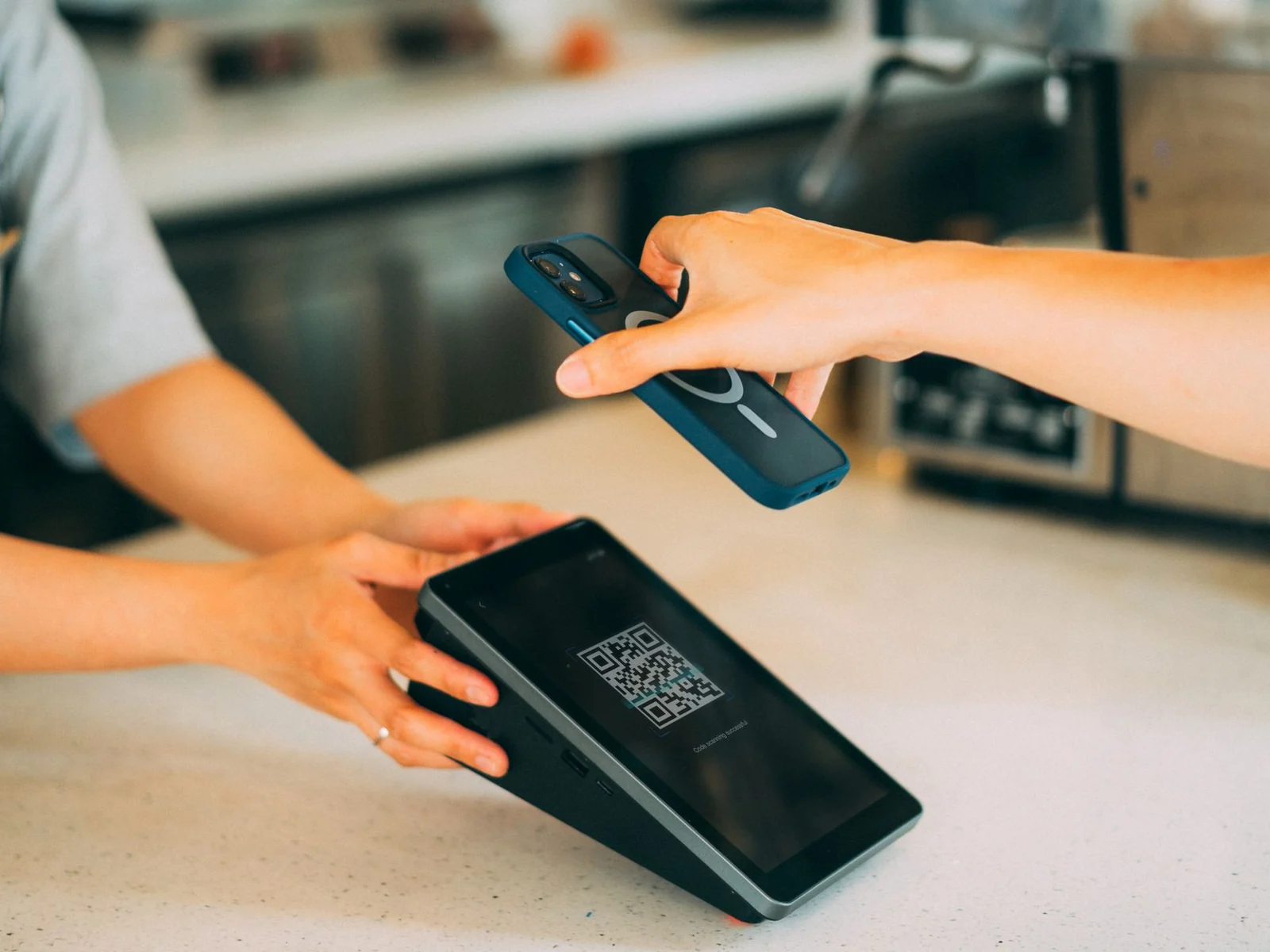 Web store, marketplace, and portal connectorsZingZee connects an SAP estate to online shops, marketplaces, trade portals, and courier systems, so sellable availability, prices, and orders move both ways on the schedule the business sets. The connectors handle partial stock, reservations, and returns without a person re-keying anything.
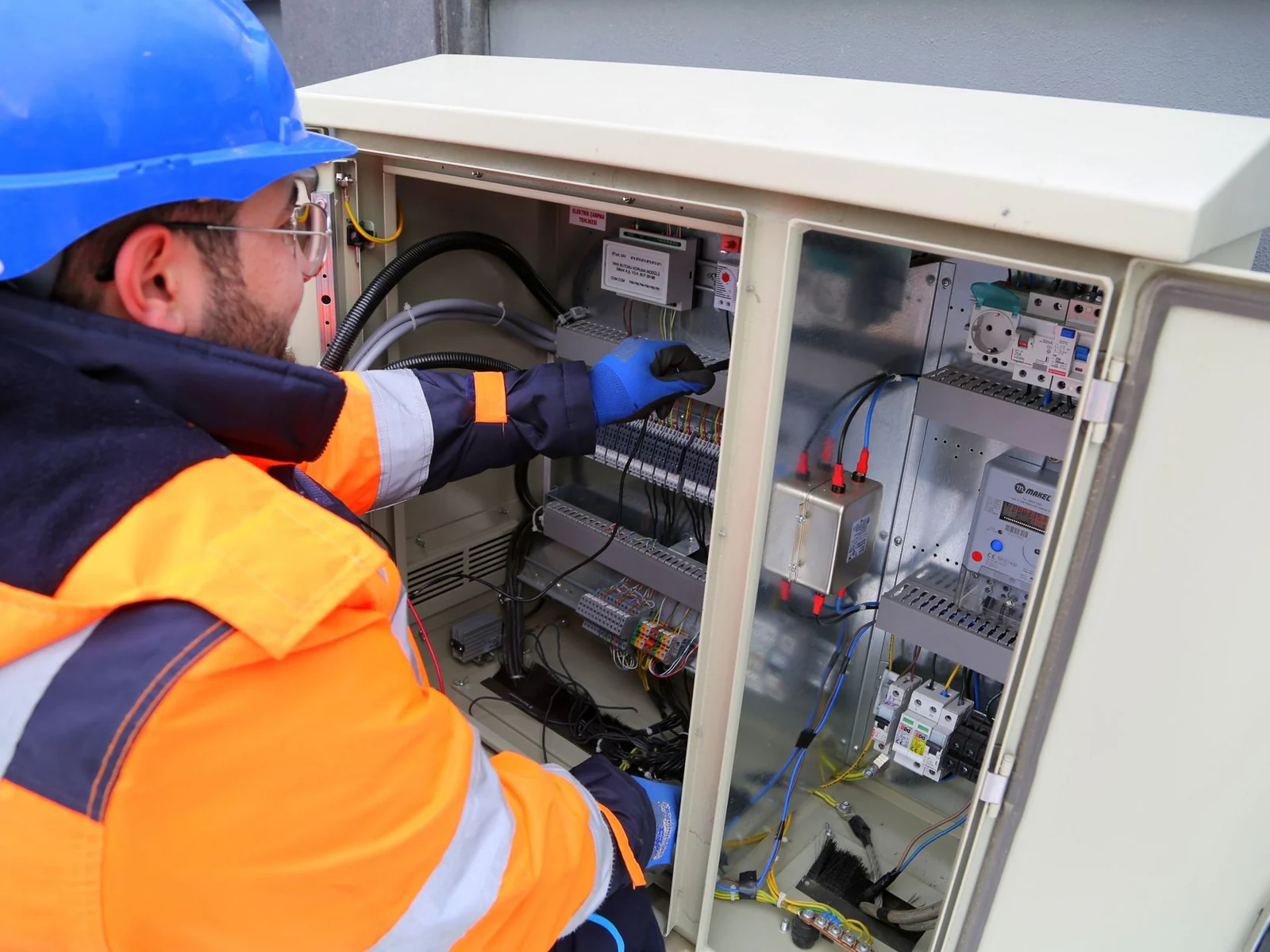 Assistants that answer from SAP dataZingZee builds private assistants that answer questions on sales, stock, customers, suppliers, and replenishment from the mirror, in plain language, with the SAP source for every figure. The assistant runs on ZingZee's own GPU hardware in Cyprus or on the client's servers, and no SAP data is sent to a public AI vendor.
When SAP integration services are
the right choice.
When SAP integration services are the right choice
SAP integration services are the right choice when SAP is sound and the systems around it are working from yesterday. Shop staff count stock by hand because the report runs overnight, the web store oversells because it reads a spreadsheet export, the warehouse restocks from a printout, or the owners wait a week for a trading summary that SAP could produce every minute. They are the right choice when a company wants a dashboard, a replenishment tool, an ordering portal, or an assistant that answers questions from SAP data, and the SAP licence terms, the consultancy rates, or the risk of touching the core make building inside SAP unattractive. They also suit a group that runs several SAP clients or company codes and wants one view across all of them. ZingZee's strategic assessment lists the tables, the freshness each consumer needs, and the direction of every flow before any integration is built.
When SAP integration is the wrong choice
SAP integration is the wrong choice when the problem sits inside SAP itself: a pricing condition that is wrong, a material master with duplicate records, or a business process that the standard module already handles once it is configured. In those cases an SAP consultant with module knowledge fixes the cause, and ZingZee says so in the first workshop. It is the wrong choice when the surrounding system will be retired within the year, because an integration outlives its cheapest justification only when both ends stay in service. It is also the wrong answer where the company has no owner for the data, since a mirror reproduces a wrong master record at the same speed as a right one. The assessment states which case applies and what ZingZee recommends.
SAP integration engagement scope
Deliverables
A live SAP data mirror on the agreed server, the sync and verification workers, the tools and dashboards agreed in the roadmap, the connectors to the surrounding systems, and the audit log, in daily use by the client's staff at the end of the engagement.
Deliverables
A live SAP data mirror on the agreed server, the sync and verification workers, the tools and dashboards agreed in the roadmap, the connectors to the surrounding systems, and the audit log, in daily use by the client's staff at the end of the engagement.
Included as standard
A table-by-table data map, a read-only SAP database user with forced encryption, monitoring and alerting on every sync cycle, a security review of the server and the data path before the first login, a runbook, and a recorded handover to the client's team.
Environments and hosting
ZingZee provisions a test and a production deployment, on a dedicated cloud server in the client's chosen country or on the client's own hardware, and runs both until handover. Any cloud contract is held in the client's name.
Priced separately
Write-back flows into SAP beyond those agreed in the roadmap, additional connectors after the first set, native mobile apps for the scanner tools, and configuration work inside SAP itself are scoped and quoted as their own items.
What the client provides
A read-only database user or an interface user on SAP, network access to the SAP database over an encrypted connection, the SAP basis contact who approves it, a list of the reports and questions staff need answered, and a person who signs off each release.
Outside the engagement
SAP licences and module configuration, SAP version upgrades, the SAP hosting contract, and changes to master data policy stay with the client and its SAP partner; ZingZee specifies what the integration needs from each and connects it once in place.
How an SAP integration project with ZingZee runs
An SAP integration project with ZingZee runs through the five-phase delivery framework. The strategic assessment reads the SAP landscape, the surrounding systems, the reports staff build by hand, and the freshness each consumer needs, and produces a data map with the direction of every flow written down. The AI roadmap fixes which tables are mirrored first, which tools and dashboards follow, and where write-back to SAP is justified, with a measured target for each release. Integration and deployment provisions the server, builds the mirror and the verification worker, connects the first consumers, and passes an independent security review before the client's staff are given a login. Adoption and enablement trains the shop, warehouse, and finance staff who use the tools and the team that operates the server, with written guidance on what is read from SAP and what is written back. Governance, optimisation and scale reviews sync health, query performance, and the backlog of new questions as the mirror becomes the place staff go for numbers. Each phase opens with a scoping workshop and closes with a hardening workshop and a delivery workshop, where staff use the release and sign it off.
Strategic assessment
We assess how the business operates today: its processes, its data and the systems it runs on. From that we identify the use cases with the highest return and confirm the organisation is ready to adopt them, so the programme starts from a defined baseline.
AI roadmap
Findings become a phased roadmap that balances early wins with the longer build. ZingZee sets the milestones, the resourcing and the governance that keep delivery on schedule and aligned to business objectives.
Integration and deployment
Our engineers develop, validate and deploy the solution into your production environment, integrated with the enterprise systems you already run and sized for the workloads it will carry.
Adoption and enablement
Enablement programmes prepare business users and technical teams to work with the new capability, and structured change management ensures the organisation captures the full value of what has been deployed.
Governance, optimisation and scale
Ongoing governance, monitoring and optimisation keep the solution accurate, compliant and performing. Proven solutions are then scaled across departments and regions under the same data governance standards.
SAP integration tooling
ZingZee builds every SAP integration on the same set of tools, so a client who reads about one deployment can expect the same on the next. The tooling covers:
- A read-only SAP database user over an encrypted connection, or SAP's OData and RFC interfaces where the client prefers them
- Postgres as the mirror store, with row-level access rules and typed queries
- Python sync and verification workers with every cycle logged and alerted
- Next.js and TypeScript for the dashboards, scanner tools, and portals built on the mirror
- Redis for caching and job queues where the refresh cycle demands it
- Open-weight language models on ZingZee's own GPU hardware for assistants that answer from SAP data
SAP integration engineering practices
The mirror never writes to SAP on its own, and no dashboard or tool connects to SAP directly, so a fault in ZingZee's software cannot reach the client's accounting system. The SAP user is read-only with forced encryption, the server exposes one port with key-only access, and financial fields staff should not see are stripped on the server before any page is rendered. Every sync cycle is logged and measured, the nightly verification reports every repaired row, and a drift beyond the agreed threshold raises an alert to both ZingZee and the client. Write-back flows carry an approval step until the client removes it in writing, and each posted movement is traceable to the person, the device, and the time. An independent reviewer audits the server and the data path before the first client login, and the findings are fixed before go-live.
Cost and time for SAP integration
The cost of SAP integration depends on the number of tables mirrored, the freshness required, the number of consuming systems, whether any flow writes back to SAP, the tools and dashboards built on the mirror, and the state of the SAP master data. A mirror with one dashboard and a nightly verification is a matter of weeks. A mirror feeding scanner tools, a web store, and an assistant, with approved write-back, is a matter of months and goes live one consumer at a time. Hosting is specified and priced in the assessment. ZingZee provides a written estimate after the strategic assessment and phases the budget to the client's priorities.
What happens next?
You send a description of your SAP landscape, the systems around it, and the reports or tools your staff are waiting for.
An engineer reads it and replies within two working days with the shape of a strategic assessment and the hosting options.
You sign a non-disclosure agreement if you need one, and you receive a proposal with the phases, the estimate, and the team.
Get a free SAP integration consultation
Send your SAP landscape, the systems around it, and the reports or tools your staff are waiting for. An engineer replies with a scoped assessment and the hosting options.
Or call +357 26 022564
Your details are used to respond to this enquiry, as our privacy policy explains. Privacy policy
Frequently asked questions
Straight answers on SAP integration work with ZingZee.