PWA
Development Services
ZingZee's default for an app used by staff, subcontractors and owners is an installable web app: a Next.js front end that adds itself to the home screen, works on a poor signal and reaches the camera. The staff apps, manager apps and pick-list screens in the case studies run this way on the phones people already carry.




What a progressive web app is
ZingZee's PWA development services cover the design, build, and rollout of progressive web apps: web front ends that install from the browser to a phone's home screen with an icon, open full screen, keep working on a poor signal, and reach the camera, location, and files through the browser's own permissions. A PWA is the platform's Next.js front end with a manifest, a service worker, and screens rebuilt for a small screen, so a release is a deployment and a fix made in the morning is in use by the afternoon. For a business owner, a PWA matters because it is the fastest and cheapest way to put a working tool on the phones staff, subcontractors, and owners already carry, with no store, no review, and no account to create.
What we do with PWA
A progressive web app is the platform's web front end with a manifest, a service worker and a set of design decisions that make it behave as an app on a phone. It installs from the browser with an icon, opens full screen, caches the screens and data a user needs, and reaches the camera, location and file system through the browser's own permissions.
ZingZee builds most staff and operations tools this way because a release is a deployment, with no store submission. A change to a checklist or a pick list is live for every phone on the next page load, and a subcontractor who receives a link is using the app within a minute, with no account on a store.
The villa platform's staff and manager apps, the warehouse pick list read on handsets in the aisles, and the solar installer's customer app in the case studies all run as installable web apps on the same Next.js and Python platform as the desktop screens. Where an app later needs deeper device access or a store presence, the same code is wrapped for React Native or rebuilt natively, with the API unchanged.

Why PWA
No store between a fix and a phone
A deployment reaches every installed app immediately, so an operations change made in the morning is in use by the afternoon.
One codebase for desk and phone
The same Next.js front end serves the office browser and the phone, with layouts rebuilt for a small screen where the work is done on a handset.
Offline pages and queued writes
A service worker caches the screens and records a user needs, and writes made without a signal queue and send when it returns.
Camera, location and files
Photo capture for a turnover clean, a scan of a pick list and a document upload from the phone all work through browser permissions.
Lower cost of ownership
One front end, one release pipeline and no store fees or review cycles, which is why it is the default for staff tools.
Apps on the home screen without a store review
Use cases
Staff and manager apps
Tasks, checklists, photo evidence and approvals for people who work from a phone.
Warehouse and pick-list screens
A pick list written overnight, confirmed with one scan on a handset in the aisle.
Subcontractor and owner portals
A link that opens as an app, with the person seeing only the jobs, statements or calendars scoped to them.
Customer self-service
Document upload, appointment booking and status tracking for customers who will not install a store app for one job.
Sales tools on a phone
Quotes, brochures and lead capture from the same platform the office uses, available on a customer's driveway.
When a PWA is the right choice
A PWA is the right choice for staff and manager apps whose work is tasks, checklists, photo evidence, and approvals, because a change to a checklist is live for every phone on the next page load. It is the right choice for a warehouse pick list read on a handset in the aisle and confirmed with one scan, and for subcontractor and owner portals opened from a link that shows each person only the jobs, statements, or calendars scoped to them. It suits customer self-service for document upload, appointment booking, and status tracking, where a customer will not install a store app for one job. ZingZee makes the installable web app its default for these cases and proposes native only where the assessment finds a feature it cannot cover.
When a PWA is the wrong choice
A PWA is the wrong choice for an app that needs background location while closed, Bluetooth on iPhone, some push behaviour on older iOS versions, or a presence on the app stores, where native Swift and Kotlin or React Native are proposed. It is the wrong choice for a consumer app whose brand demands custom-drawn animation on every screen, where Flutter fits. It is the wrong answer to a slow tool whose delay sits in the platform API behind it, since the same endpoint serves the installed app. ZingZee's assessment lists the features the app needs, tests each against browser support on the client's devices, and records the result before the decision.
PWA development services ZingZee provides
Staff and operations apps on the platform
ZingZee builds installable web apps for tasks, checklists, photo capture, and approvals on the same Next.js and Python platform as the desktop screens, with layouts rebuilt for the phone and offline caching in place from the first release.
Conversion of an existing web front end into a PWA
An existing Next.js or React site gains a manifest, a service worker, an install prompt, offline pages, and phone layouts, tested on the client's own iPhones and Android handsets.
Offline pages and queued writes
A service worker caches the screens and records a user needs, changes made without a signal queue and send in order when it returns, and the server resolves conflicts by rules agreed in the assessment.
Camera, location, and file capture
Photo evidence for a turnover clean, a scan of a pick list, a document upload from the phone, and a location stamp, all through browser permissions with the record reaching the right account.
Path to a store app where one is later needed
Where an app later needs deeper device access or a store presence, the API and most of the code carry over: the interface is wrapped for React Native or rebuilt natively for the screens that need it, and the web app keeps running for everyone else.
PWA development scope
- Deliverables
- The installable web app in the platform's repository, with its manifest, service worker, caching rules, and offline queue, released and installed on the client's staff devices.
- Included as standard
- Browser tests and manual tests on the client's own handsets, Core Web Vitals measured on a weak connection, a deployment pipeline, a runbook, and a recorded handover.
- Priced separately
- A store app from the same codebase, conversion of an existing site after the audit, and device features beyond camera, location, files, and push are quoted separately.
- What the client provides
- Access to the platform and its API, the handsets in daily use for testing, the offline cases as staff meet them, and a person who approves each release.
- Outside the engagement
- Hosting contracts, push provider accounts, and handset purchase are the client's. A PWA needs no store account, and ZingZee sets up any provider in the client's name.
How a PWA project with ZingZee runs
A PWA project with ZingZee runs through the five-phase delivery framework. The strategic assessment lists the users, the tasks they do on a phone, the places where the signal is poor, the devices in use, and the features the app needs, and confirms in writing that browser access covers them. The AI roadmap fixes the order of screens. Integration and deployment ships the app on the platform with offline caching, an install prompt, and phone layouts, and takes each release into daily use. Adoption and enablement puts the app on staff phones from a link and trains the people who will use and maintain it. Governance, optimisation and scale covers releases, speed on a weak connection, and browser support afterwards. Each phase opens with a scoping workshop and closes with a hardening workshop, where the app is tested on the client's own devices without a signal, and a delivery workshop, where the client's staff sign it off.
- Strategic assessment
- AI roadmap
- Integration and deployment
- Adoption and enablement
- Governance, optimisation and scale
Cost and time
for an installable web app.
The cost of an installable web app depends on the number of screens and roles, the offline cases it must handle, the device features it uses, whether the platform's front end already exists, and the devices it must be tested on. A staff app with a handful of screens, photo capture, and an offline queue on an existing platform is a matter of weeks. A customer self-service app with document upload, booking, and status tracking across several roles is a matter of months and goes live in phases. Conversion of an existing site into a PWA is priced after an audit of its front end and routes. ZingZee provides a written estimate after the strategic assessment and phases the budget to the client's priorities.
Industries where ZingZee applies PWAs
ZingZee has applied PWA development services in travel and hospitality, where the staff and manager apps of a villa operation run on the phones staff already carry and capture photos at each turnover; in retail and distribution, where a pick list written overnight is confirmed with one scan on a handset in the aisle; in energy, where a solar installer's customers track a quote, an installation, and a system's output from a link.
PWA tooling
ZingZee's PWA work uses one set of tools on every project, so a client who reads about the desktop screens can expect the same on the phone. The tooling covers:
- Next.js and React in TypeScript, the same front end as the desktop screens
- A web app manifest, an install prompt, and a service worker with caching rules per route
- A local store with a write queue for offline changes, synced in order when the signal returns
- Browser APIs for the camera, location, files, and push notifications on current iOS and Android
- Playwright tests in a browser and manual tests on the client's own iPhones and Android handsets
- Lighthouse and Core Web Vitals measured on a mid-range phone on a weak connection before and after each release
PWA engineering practices
Every installable web app ZingZee ships is the platform's own front end, so a rule changed once applies on the desktop and the phone. Layouts are rebuilt for a small screen where the work is done on a handset, and every screen is tested on a mid-range phone on a weak connection. The service worker caches the screens and records a user is likely to need, and writes made without a signal queue and send in order when it returns, with the server resolving conflicts by agreed rules. Differences between iPhone and Android are recorded in the assessment and tested on real devices. A release is a deployment. At handover the client receives the repository, the caching and sync rules, the tests, and the deployment pipeline its own team can run.
What happens next?
You describe who uses the app, what they do on a phone, and where the signal is poor.
An engineer reads it and replies within two working days with the shape of a strategic assessment.
You sign a non-disclosure agreement if you need one, and you receive a proposal with the phases, the estimate, and the team.
Related case studies.
Real projects, real numbers.
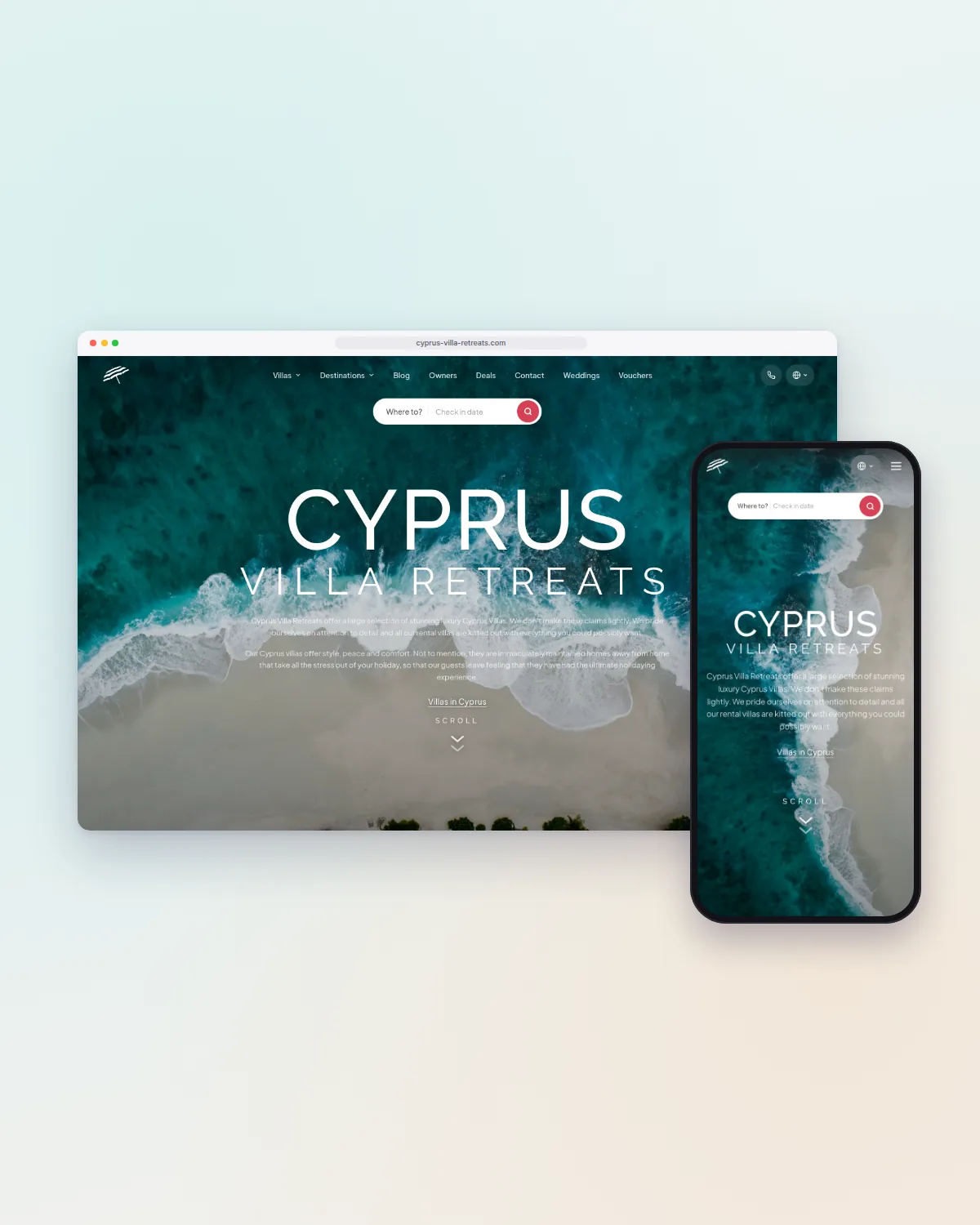 22 staff, from 58PlatformCustom booking and operations platform for Cyprus Villa RetreatsOne custom platform replaced more than 30 software products; the company now runs more than 450 villas with 22 staff, up from 70 villas and 58 staff.Read the case study
  EUR 45k cash released from slow stockRetailLive SAP mirror and replenishment tool for a stationery retailerA live mirror of the SAP database with a replenishment engine and an AI dashboard cut stock-outs on fast-moving lines from 8% to under 1%.Read the case study
  EUR 150k+ saved a yearOperationsField operations management app for a villa management company in CyprusOne operations app creates every task from the bookings and holds the photo evidence; the same portfolio is now run by 14 operations staff, from 30.Read the case study
 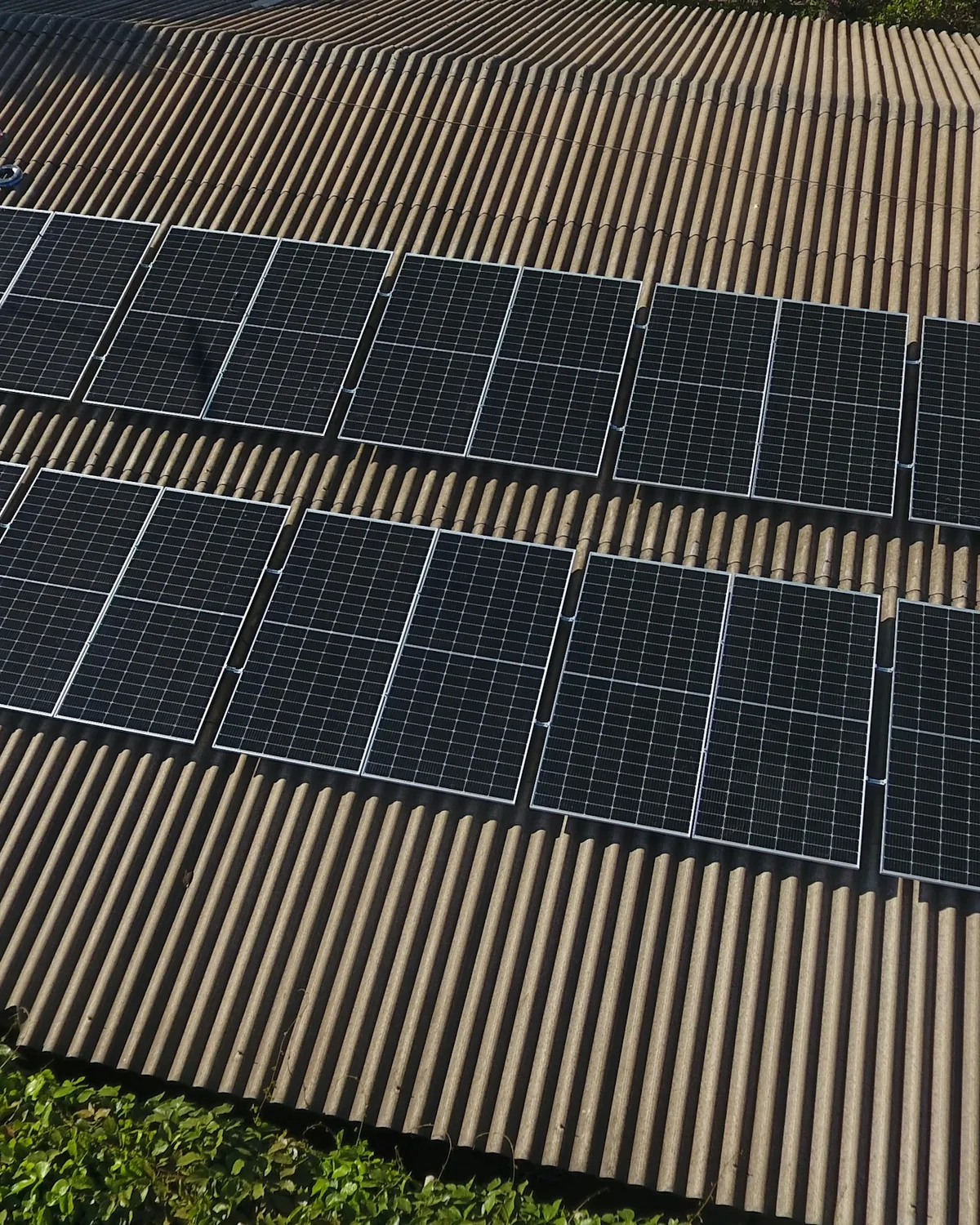 5x systems installed a monthEnergyAutomated quoting and grid application platform for a solar installerSatellite roof surveys, bill reading, and grid-rule checks produce a priced quote in ten minutes; the installer now fits five times as many systems.Read the case study
 Frequently asked questions
Straight answers on PWA work with ZingZee.